The DocumentsCorePack (DCP) Connector provides a streamlined way to automate document generation directly within Power Automate, allowing users to build efficient, repeatable workflows without manual intervention. To help you get started, this article serves as a central hub for practical, use case-driven guides that demonstrate how to work with the connector in real scenarios.
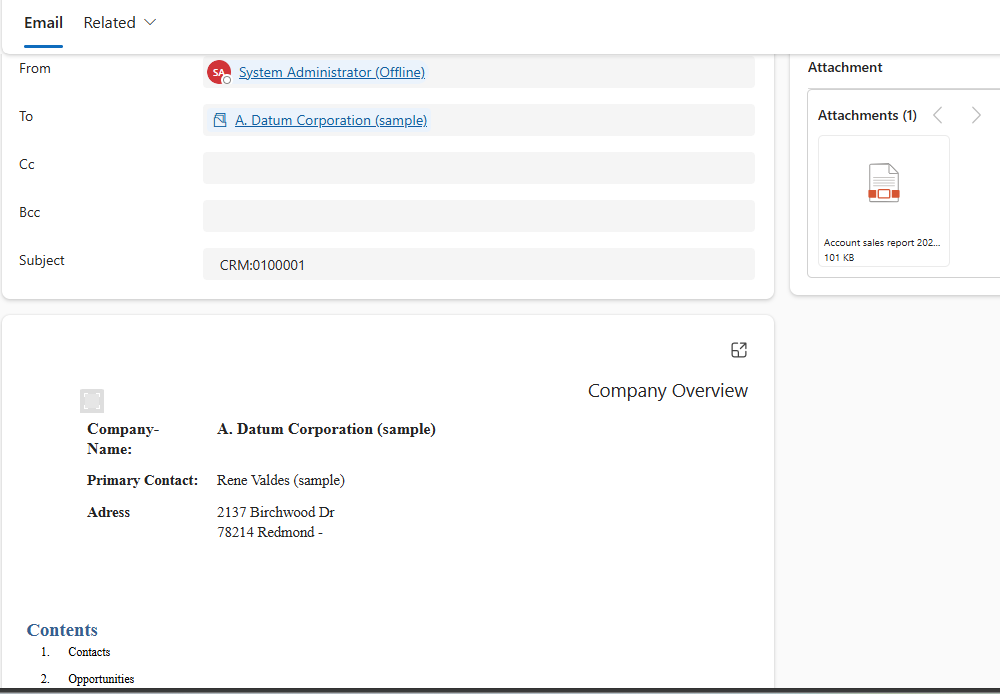
Generate and send documents with the DCP Connector
This article provides a step-by-step guide on generating an attached file that provides an overview of a customer’s sales report along with a corresponding email, using the DocumentsCorePack connector in Microsoft Power Automate.
To view this guide, see here.
Generate and save document to SharePoint
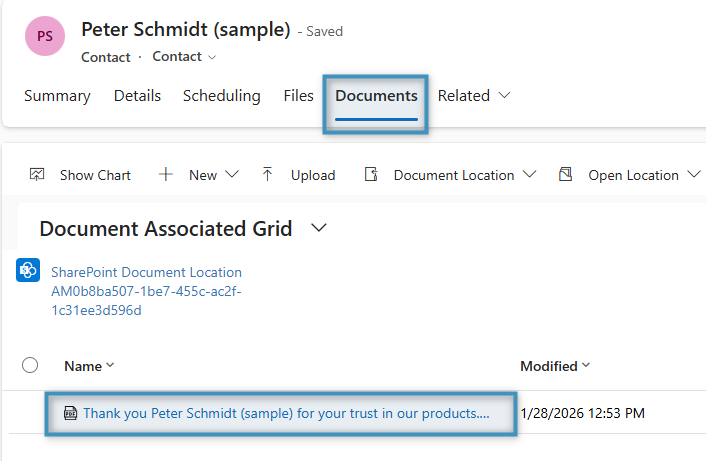
This guide demonstrates how to generate a document, attach it as a note, and save it to SharePoint using Power Automate.
To view this guide, see here.
How to execute an OCA in a Power Automate flow
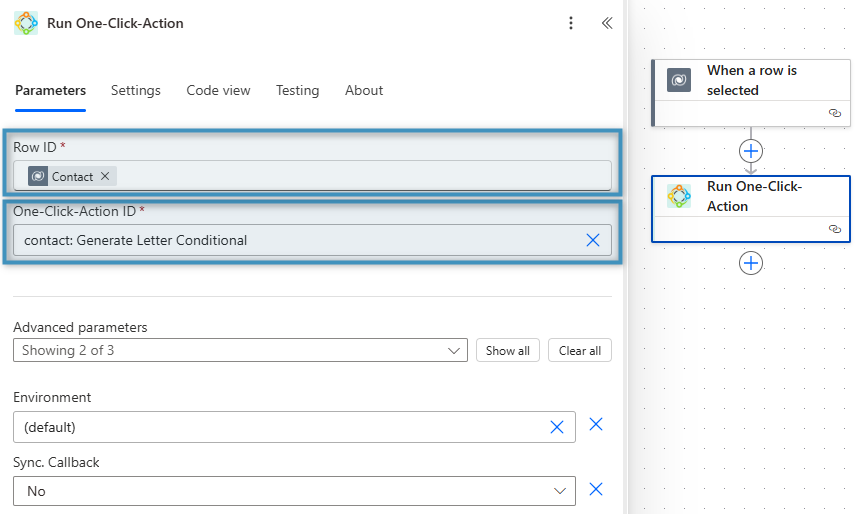
This guide explains how to include an OCA as part of a flow. The OCA handles the conditional logic, removing the need to configure such behavior in the flow.
To view this guide, see here.
How to automate document approvals
This guide explains how to generate a quote document and automatically send it to a superior for approval.
To view this guide, see here.
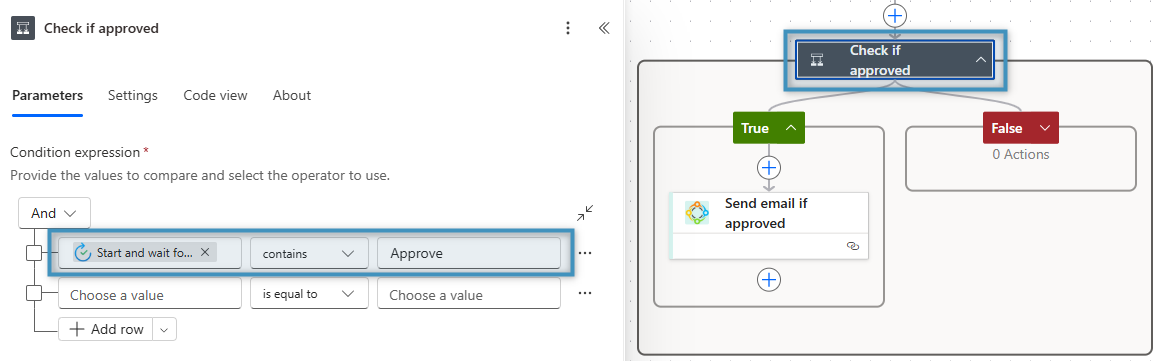
How to generate automatic payment reminders
This guide demonstrates how to construct a flow in Power Automate that generates payment reminders automatically.
To view this guide, see here.
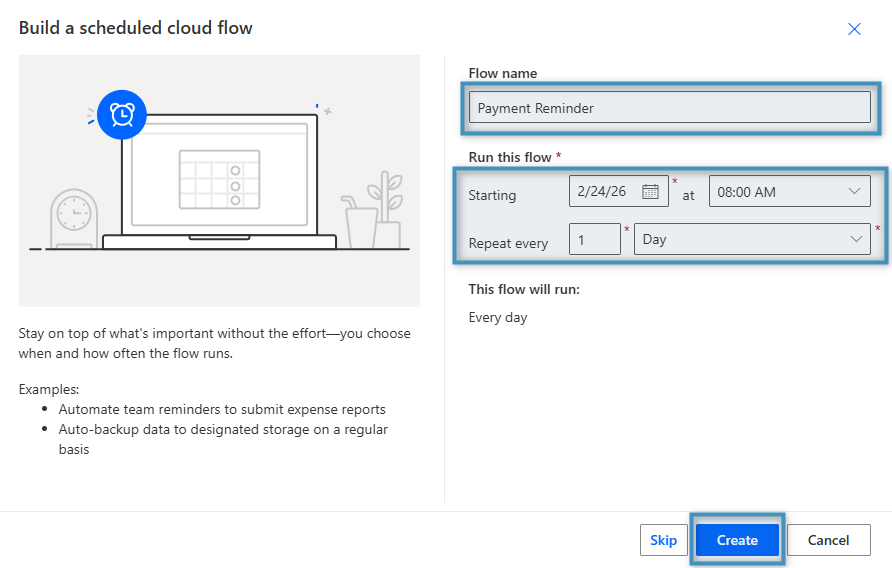
Bulk document generation with Power Automate
This guide demonstrates how to create a flow that allows documents to be generated in bulk.
To view this guide, see here.
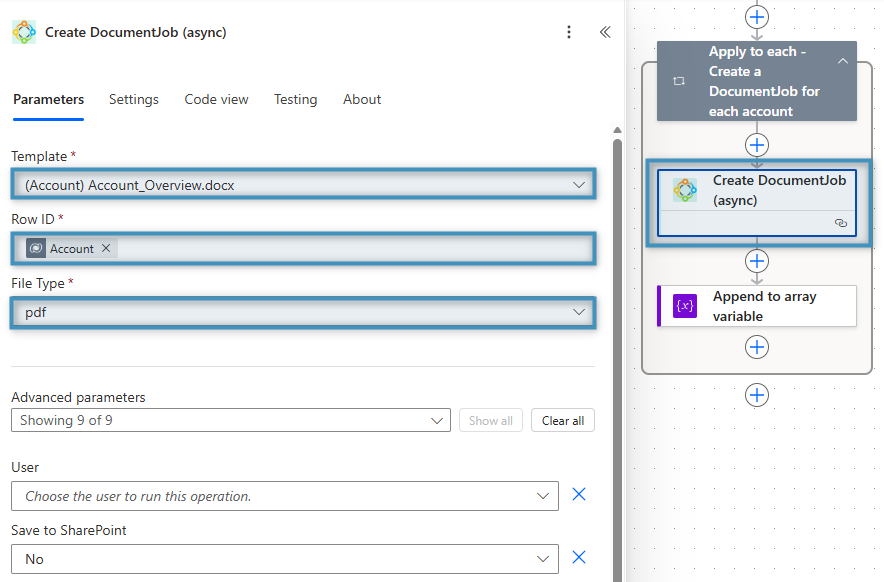
How to trigger a flow from the Dialog
This guide demonstrates how to configure a flow to trigger it from the DocumentsCorePack Dialog.
To view this guide, see here.
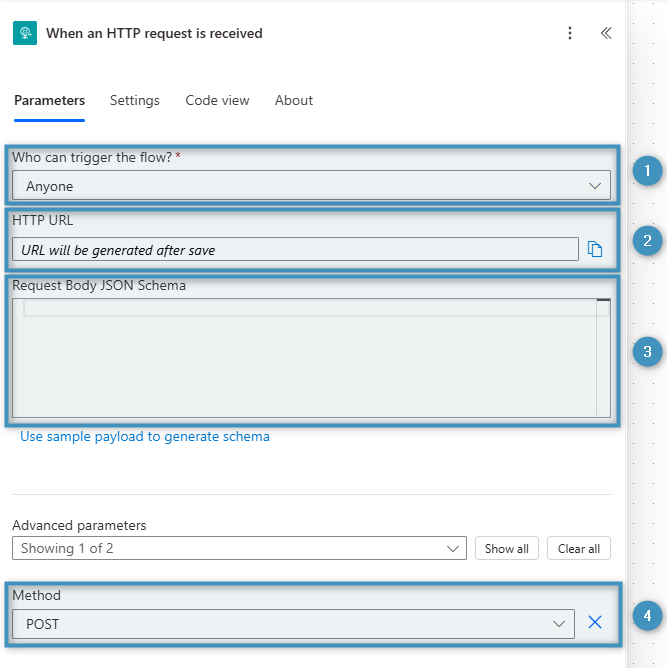
How to automate quote generation and delivery with Power Automate
This guide demonstrates how to automatically generate and send a quote document when a quote is activated in Dynamics 365, using Power Automate in combination with the DocumentsCorePack Connector.
To view this guide, see here.
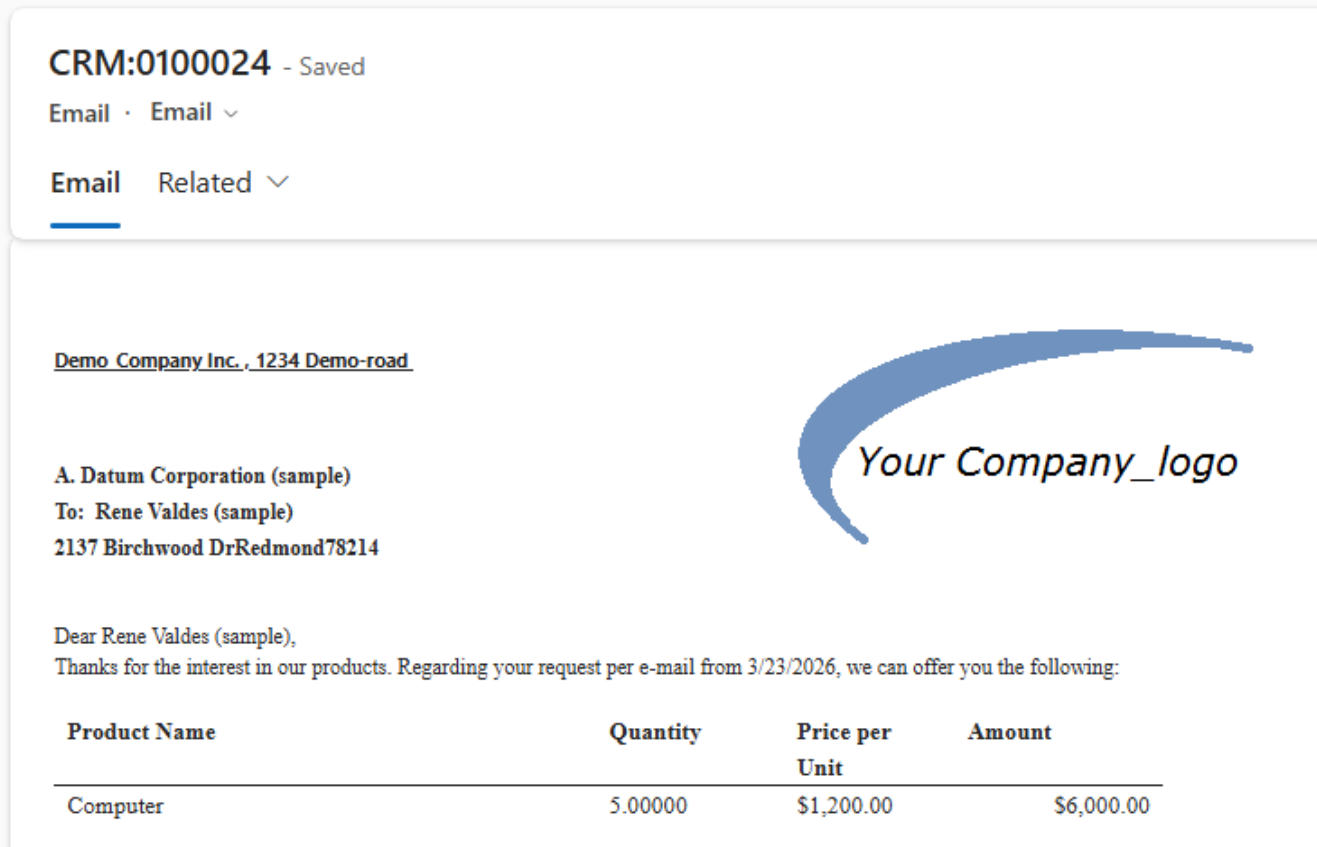
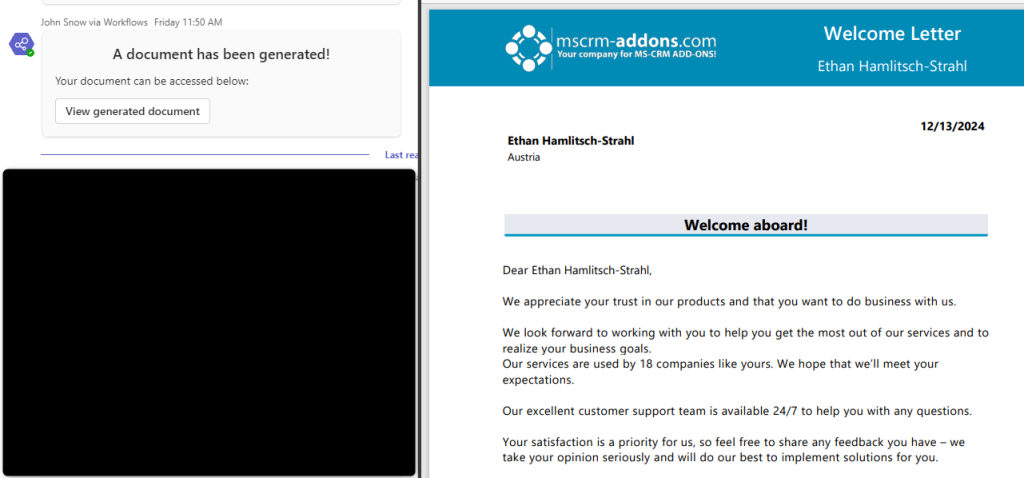
Displaying generated documents using Adaptive Cards
This guide demonstrates how Adaptive Cards can be used to post links to generated documents via Power Automate in a Microsoft Teams chat.
To view this guide, see here.
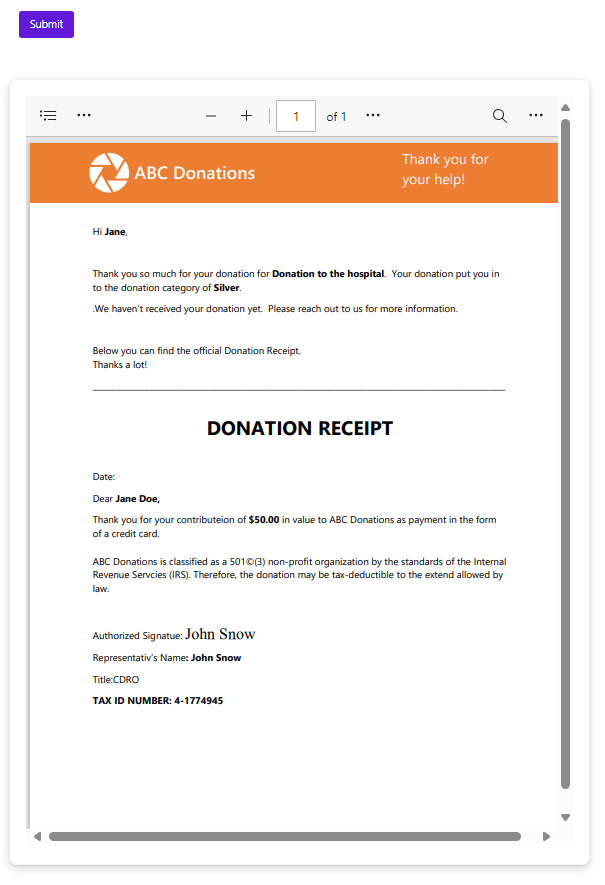
Generate and display documents in Power Pages
In this article, we will walk through an example that demonstrates how input into a “donation page” can be equipped with document generation capabilities.
To view this guide, see here.