Open the Online Service Configuration by logging into our website and navigating to My Account > Manage Services. Then, select the desired service.

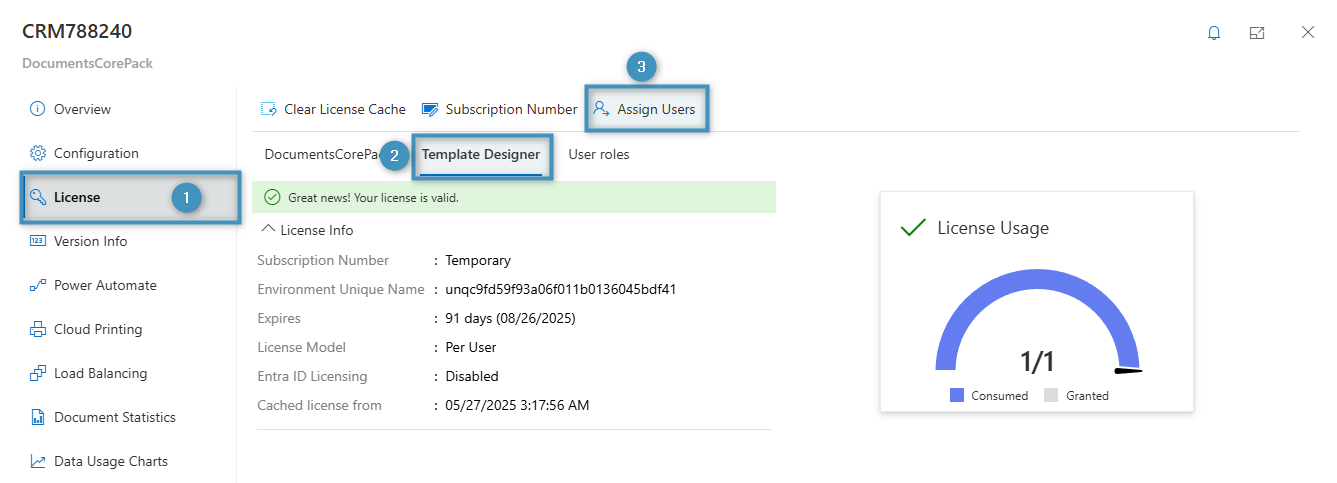
An overview of the service will appear. Select ❶ License from the navigation side-bar, then select ❷ Template Designer -> ❸ Assign Users.
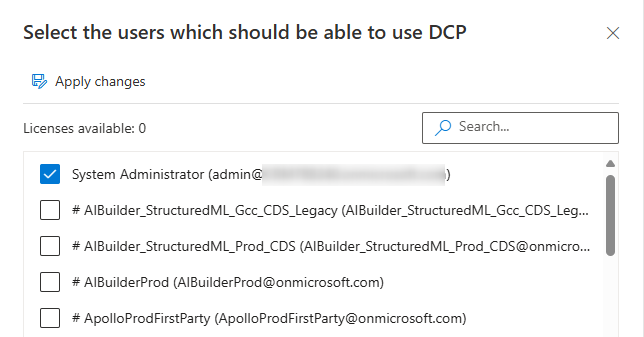
This will open a dialog which displays a list of users. Select which users should be allowed to use DocumentsCorePack, then save your changes.
Note: Please ensure that you should not enable more users than you license covers. See more information on how licenses are counted here.